PCをアップデートしたのでチラシを作った, I updated my PC, so I made a flyer.
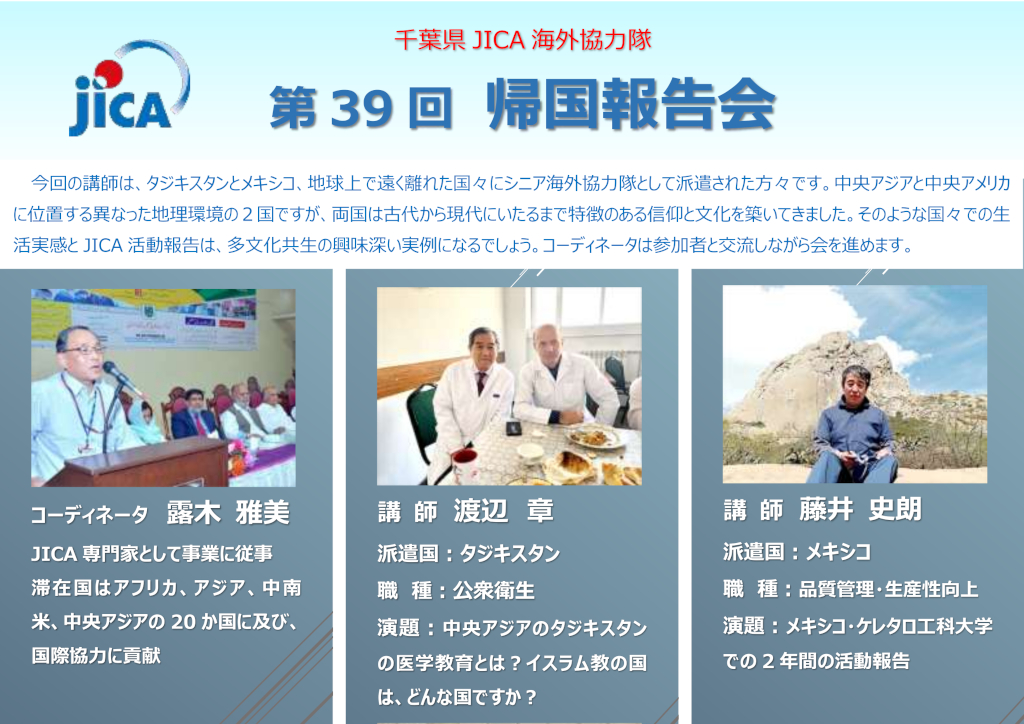
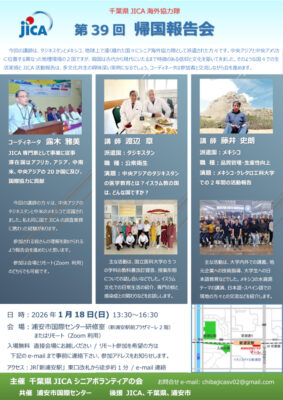
Windows 10 PCをWindows 11 PCにアップデートしたので、現在計画中の「第39回帰国報告会」のチラシを作ってみた。制作ソフトは普通Illustratorだが、このソフトを持っている他の役員は少ないので、みんな持っているWordを使った
Windows 11は使用するうえでWindows 10と大きな違いはない。個人的に悪くなったと思ったのは、既定としてOneDriveを使う仕様になっていることだ。本人のドキュメントや画像のフォルダがOneDriveの中にある。このまま使い続ければすぐOneDriveが一杯になり追加料金を払うことになるだろう。これでは困るので、別途OneDriveの外にドキュメントや画像フォルダを作って使用することにした。エクスプローラーでのこれらのフォルダの表示のされ方もWindows 10のほうが良い。
I updated my Windows 10 PC to Windows 11, so I tried making a flyer for the 39th Homecoming Report Session, which is currently being planned. Normally, Illustrator is used to create flyers, but few of the other executives have this software, so I used Word, which everyone has.
Windows 11 is not much different from Windows 10 in terms of usage. Personally, I think the only thing that’s gotten worse is that it uses OneDrive by default. My documents and pictures folders are in OneDrive. If I continue to use it, OneDrive will soon be full and I’ll have to pay additional fees. This is inconvenient, so I decided to create separate documents and pictures folders outside of OneDrive and use those. The way these folders are displayed in File Explorer is also better in Windows 10.
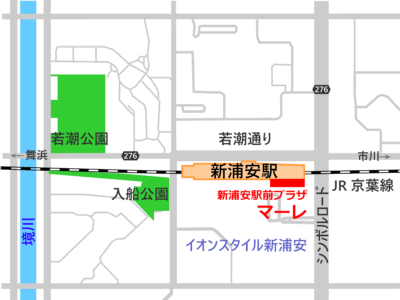
Wordは文字と画像を任意の位置に配置する機能があるのでチラシ作成に十分使える。ただし、チラシの右下に配置した地図はIllustratorで作った。Wordで地図のような画像を作ることは困難だ。
Word has the ability to position text and images wherever you want, so it’s perfectly usable for creating flyers. However, the map in the bottom right corner of the flyer was created in Illustrator. It’s difficult to create an image like a map in Word.